Deploying Sales App extensions
Learn how to make Sales App extensions publicly available.
VTEX Sales App Extensibility is in beta, and we're working to improve it. If you have any questions, please contact Support.
After creating extensions for Sales App, publish them during deployment to make them publicly available.
A deployment starts when you push a commit to the configured production branch, typically main. If WebOps detects changes in the sales-app module, it automatically builds and deploys the extension to VTEX. No separate manual build step is required. In about 10 minutes, the changes are usually applied to your store.
Since Sales App extensions only support production deployments, to revert a change, create a new commit that reverses the previous one, then push it to the same branch.
Requirements
Make sure you have installed the FastStore WebOps. For detailed instructions, see the guide Installing WebOps for Sales App extensions.
Deploying Sales App extensions with WebOps doesn't require the
discoverymodule. The storefront can use a different technology, as long as the account is configured to use thesales-appmodule.
Handling build failures
If the build fails, the issue is usually in the extension code or configuration. Common causes include type-checking errors and typos.
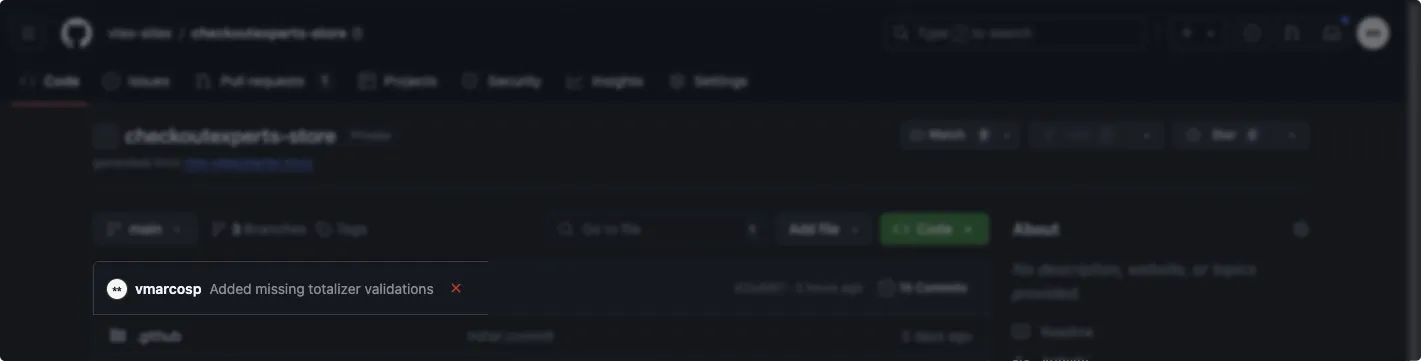
FastStore WebOps shows when a build fails, but Sales App build logs aren't available there. To inspect the logs, check the GitHub Checks for the failed commit:
You can also run the following command. Remember to replace {account-name} with the name of your account.
_10yarn fsp build {account-name} sales-app
_10npx fsp build {account-name} sales-app
This command builds the VTEX Sales App extension for the specified account and displays any local build errors. If the command succeeds locally, check your GitHub repository for issues in the build workflow.