Payment provider homologation
Validate your payment provider integration and complete the homologation process using the Payment Provider Test Suite.
The last step of the implementation process is verifying that the integration works correctly. To do so, simulate the integration with the Payment Provider Test Suite app.
Homologation is the VTEX certification process that validates a payment provider integration before stores can use it in production.
Install the Test Suite app
You can install the Payment Provider Test Suite from the VTEX App Store or directly from the VTEX Admin.
To install the app from the Admin, follow these steps:
- In the VTEX Admin, go to Apps > Extensions Hub > App Store.
- Search for Payment Provider Test Suite.
- Open the app page and click Get App.
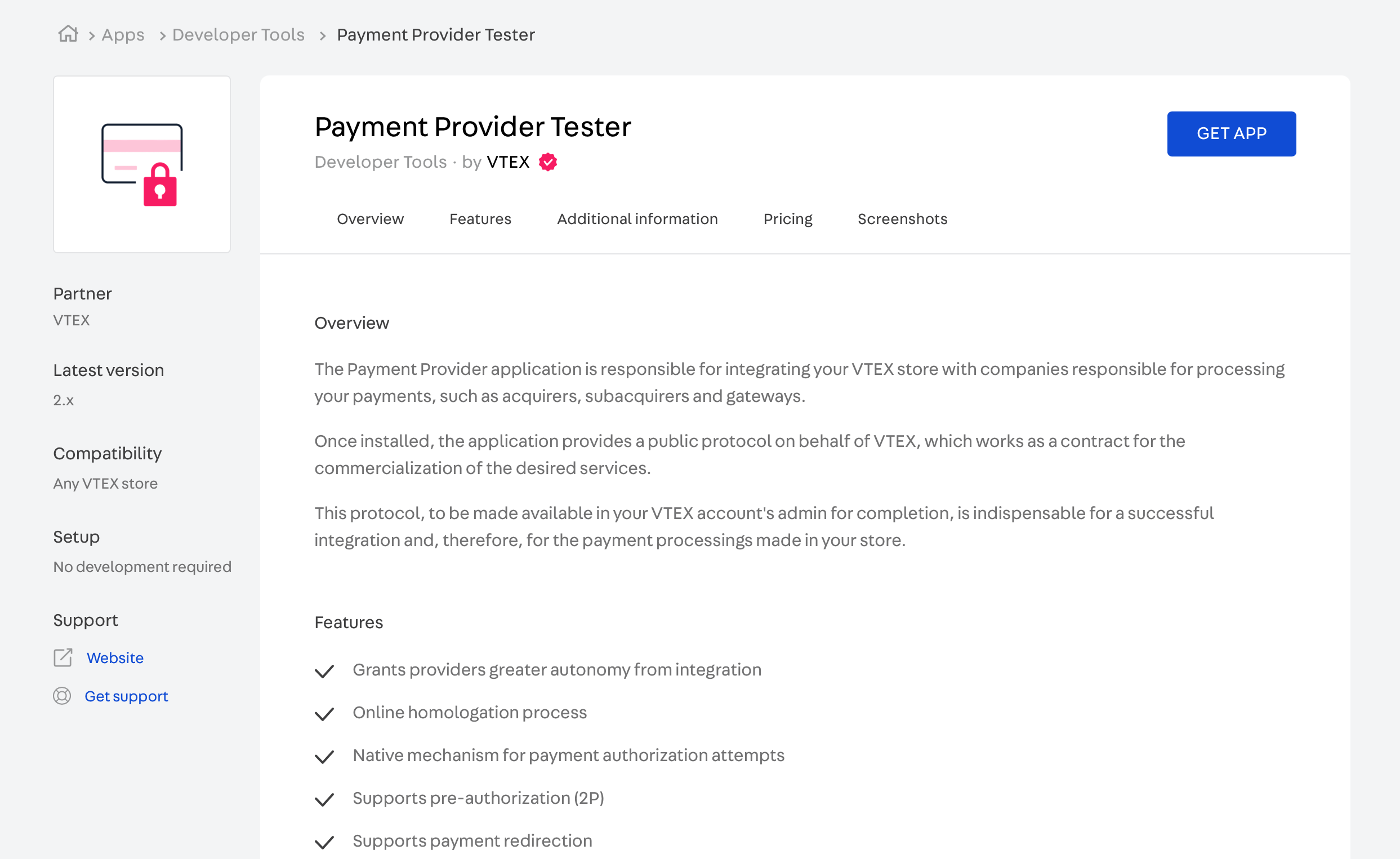
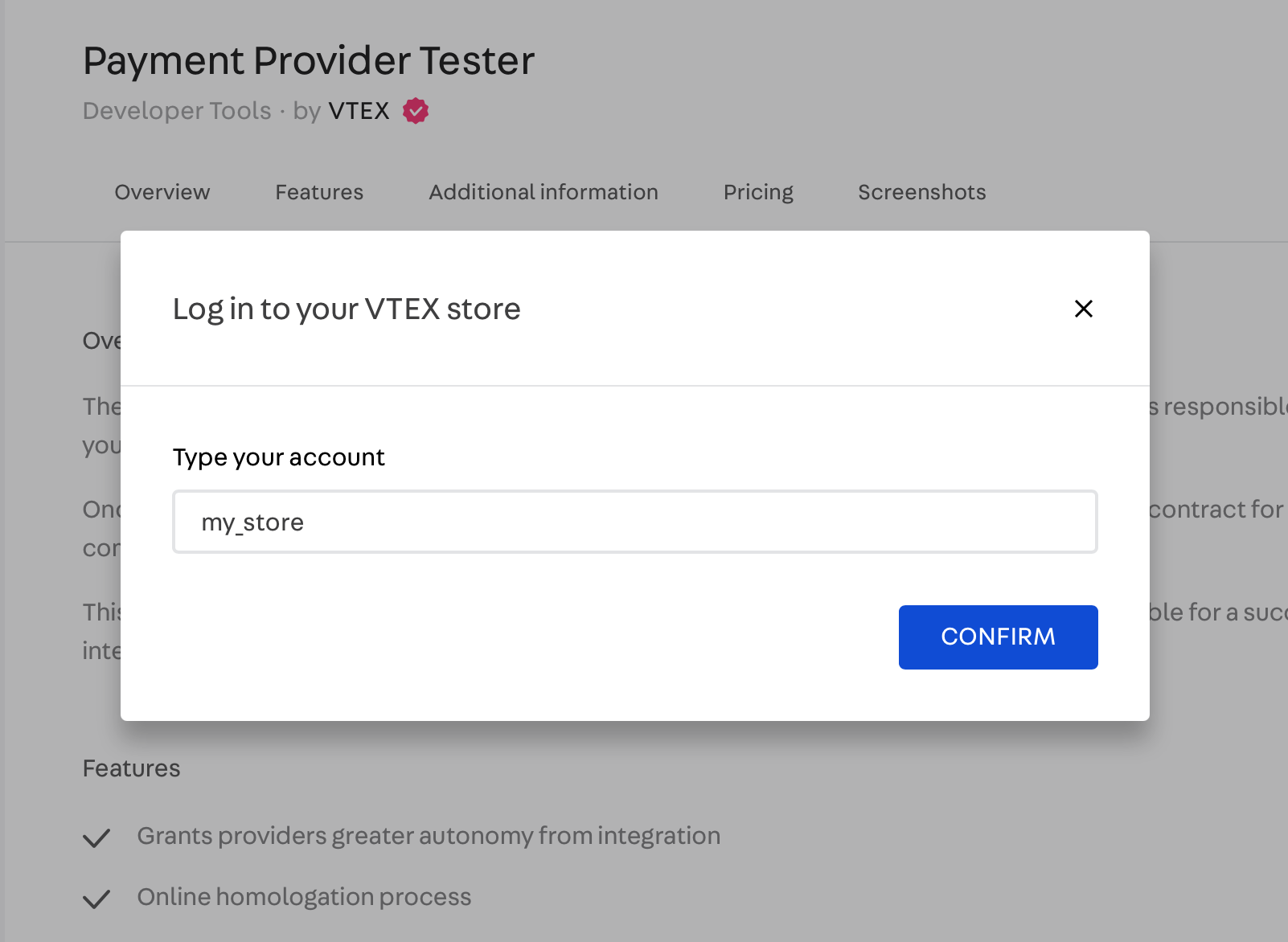
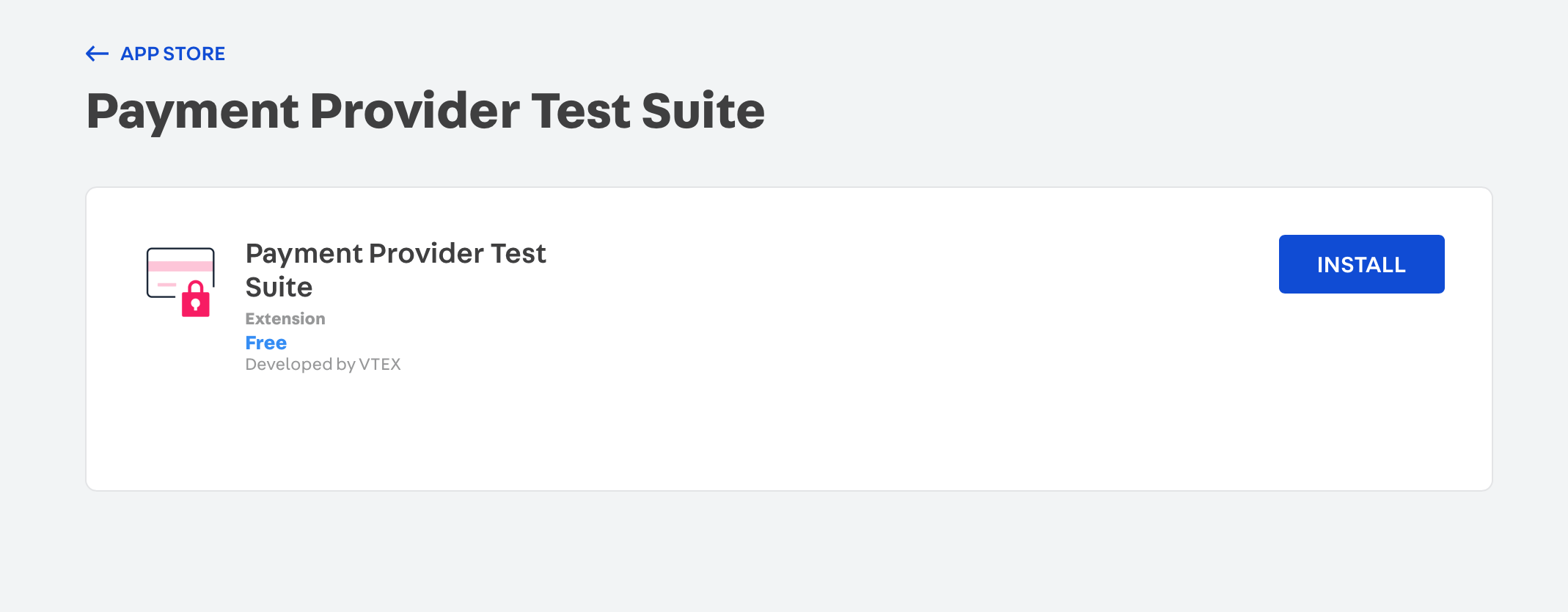
- Follow the instructions on the screen to complete the installation.
After the installation, the app is available in the VTEX Admin under Apps > Payment Provider Test Suite.
Run the tests
Open the app in the VTEX Admin under Apps > Payment Provider Test Suite and configure the test as described in the sections below:
Service information
In the Service information section, provide the information needed to access your connector:
- Service URL: The base endpoint of your connector. VTEX uses this URL to contact the provider system.
- Test with AppKey and AppToken: Enable this toggle switch if your connector requires authentication. The application key and token configured by the merchant are sent as API headers in the POST request. For more information, see API authentication using API keys.
Payment method
Select the payment method you want to use for the test. The dropdown lists the methods declared by your connector in the GET List Payment Provider Manifest response.
Run the tests once for each payment method your connector supports.
Test cases
Select the cases you want to test, or select all of them. Each case corresponds to a scenario your connector must handle:
| Test case | What it validates |
|---|---|
| Approved flow | The connector authorizes and approves the payment. |
| Denied flow | The connector denies the payment and returns the corresponding status. |
| Async approved flow | The connector returns the undefined status and later notifies the approval through the callback. |
| Async denied flow | The connector returns the undefined status and later notifies the denial through the callback. |
| Cancellation flow | The connector cancels a payment and returns a cancellationId. |
| Boleto flow | The connector handles a bank invoice payment. |
| Redirect flow | The connector returns a redirect URL so the shopper can complete the payment outside checkout. |
For details on these scenarios, see Purchase Flows.
After configuring the service information, the payment method, and the test cases, click Run Test.
Test report
The Test Report summarizes the run, showing the service URL, the payment method, the credentials used, and how many tests passed out of the total. Each selected test case is listed with a success or fail result.
To inspect a specific case, open its Logs. The logs display a timeline of the run, from the initiated test through the request sent to your connector and the response received, ending with the test result. Each step includes the full request and response payloads.
An error occurred while loading the image https://cdn.jsdelivr.net/gh/vtexdocs/dev-portal-content@main/images/payments-integration-payment-provider-homologation-4.png
If a test fails, adjust your connector to comply with the Payment Provider Protocol and run the tests again. The most common causes of failure are:
| Cause | How to fix |
|---|---|
| The endpoint isn't publicly accessible, or uses an IP address instead of a domain name. | Serve the endpoints over HTTPS on port 443 with TLS 1.2 support, using a subdomain or domain name. |
| The response takes too long. | Respond in less than 5 seconds during homologation tests and less than 20 seconds for any other call. |
| The manifest doesn't list the expected payment methods. | Review the paymentMethods array returned by the manifest endpoint. |
| The connector returns an unexpected status value. | Return the status values defined by the protocol for each operation. |
For the full request and response schemas of each operation, see the Payment Provider Protocol API reference.
Request homologation
If all test cases pass, open a ticket with VTEX Support stating that the integration is complete. VTEX only recognizes the implementation after you open this ticket.
Gather the following information before opening the ticket:
- Connector name: The name of the provider. Use a maximum of 16 alphanumeric characters. This name can't be changed after publishing.
- Partner contact: Partner email address for communicating protocol changes and new features.
- Production service provider endpoint: The base path used for API calls to the provider, for example,
https://productionserviceproviderendpoint.com. It must respond to the{{serviceUrl}}/manifestroute and be publicly available. - Sandbox service provider endpoint: The base path used in test mode for API calls to the provider, for example,
https://sandboxserviceproviderendpoint.com. - Owner account: The VTEX account name used in callback requests. This account must be available at
{account}.myvtex.com. - Allowed accounts: Which VTEX accounts can use this provider, either all accounts or specific accounts.
- New payment method: Specify whether this connector supports a payment method that is not yet available in the VTEX Admin.
- New payment method purchase flow: If the connector supports a new payment method, specify whether it works with Redirect or Payment App. For more information, see Purchase Flows.
If the connector processes payments with credit, debit, or co-branded cards, you must also attach the Attestation of Compliance (AOC) for Onsite Assessments, Service Provider Version to the homologation request ticket.
The payment team completes the homologation within 30 days. This period starts only after you submit the Master Partner Agreement for Financial Services (MPA). Requests without an MPA may take longer, because the payment team needs to perform additional analysis.
Don't open the homologation ticket if any test case fails. Fix the connector and run the tests again until every case returns
success. If you need help, contact your Partner Account Manager.
VTEX Support then confirms whether the implementation is correct.
When is payment provider homologation not required?
A connector is exempt from the payment provider homologation process only if it meets all the following conditions:
- It's a PPF connector, developed using VTEX IO.
- It only uses payment methods already available on the VTEX platform.
- It's installed locally, restricted to specific accounts.
If the connector doesn't meet all these conditions, it must go through the homologation process.