Customizing your 404 page
Learn how to customize your store's 404 error page using Store Framework.
This guide provides instructions for customizing your store's 404 pages using the VTEX IO Store Framework. With flexible blocks and configurations, you can create a custom error page that aligns with your brand and helps users seamlessly navigate back to key areas of your site.
Instructions
To customize 404 pages, follow the steps below:
-
Open the terminal and switch to a development workspace.
-
Open your Store Theme using your preferred code editor.
-
In the product or search template (
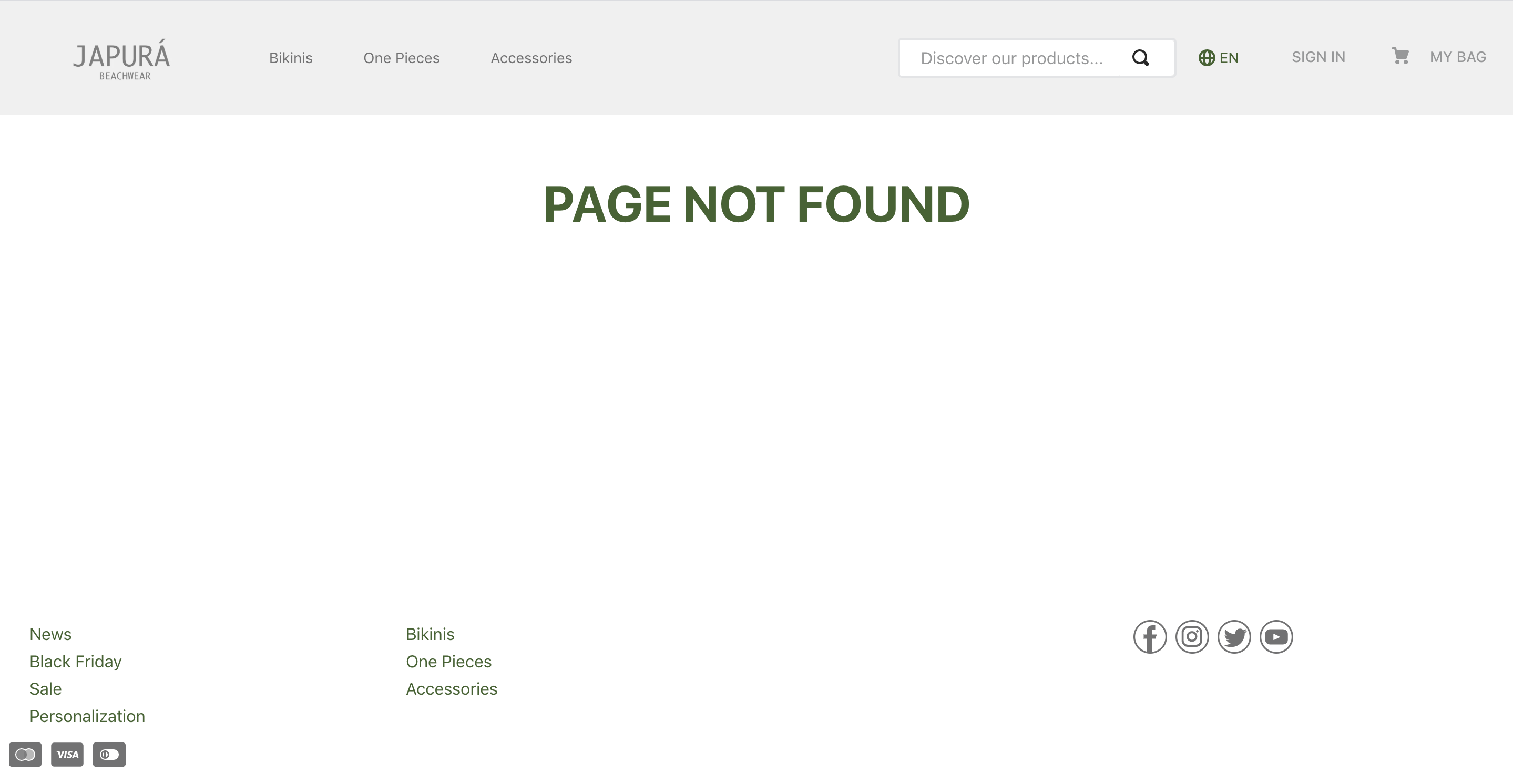
store.productorstore.search), add and configure thestore.not-found#productorstore.not-found#searchblock, respectively. See below an example of astore.not-found#productconfiguration for a product template:_11"store.not-found#product": {_11"blocks": ["rich-text#not-found"]_11},_11"rich-text#not-found": {_11"props": {_11"textAlignment": "CENTER",_11"textPosition": "CENTER",_11"text": "**PAGE NOT FOUND**",_11"font": "t-heading-1"_11}_11}
The
store.not-foundblocks will only be rendered when the server returns a 404 error. The child block will be displayed to users in such cases.
- Save your changes and run
vtex linkin your terminal to preview the updated 404 page:
- Once you're satisfied with the changes, publish your new theme version.