The Rich Text block converts text written in Markdown to HTML and displays it on your storefront.
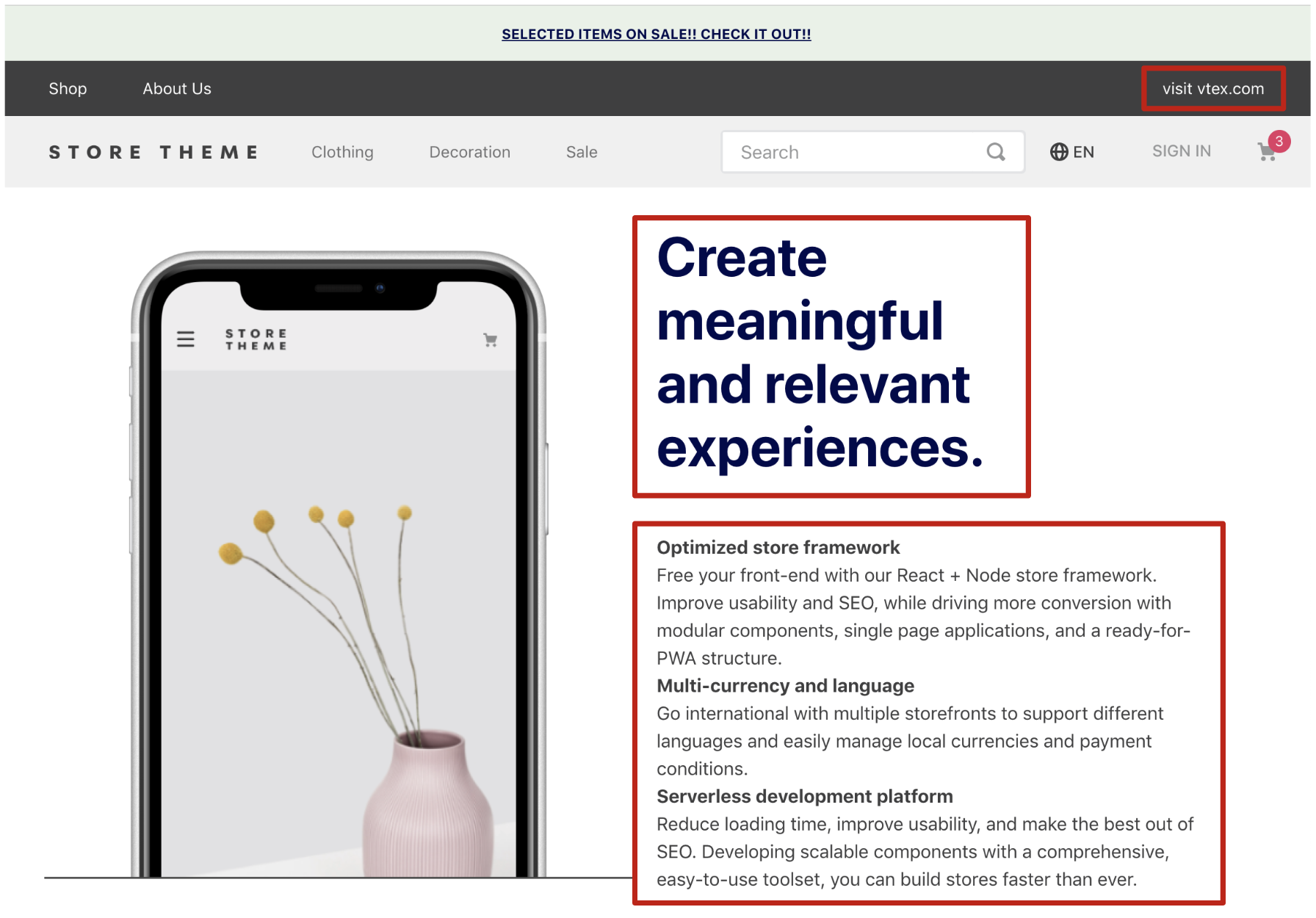
For example, the following Markdown content
_10[Help](https://developers.vtex.com/vtex-developer-docs/docs/welcome).\n**Be Bold!**\n*This is italic*
would be rendered as
_10<div>_10 <p>_10 <a href="https://developers.vtex.com/">Help</a><br />_10 <span class="b">Be Bold!</span><br />_10 <span class="i">This is italic</span>_10 </p>_10</div>
Learn more in Markdown documentation.
Configuration
- Add the
rich-textapp to your theme’s dependencies in themanifest.jsonfile:
_10 "dependencies": {_10 "vtex.rich-text": "0.x"_10 }
- Add the
rich-textblock to your block files in the desired template position. Example:
_10"rich-text": {_10 "props": {_10 "textAlignment": "CENTER",_10 "textPosition": "CENTER",_10 "text": "Visit our [help](https://developers.vtex.com/) section.\n**Be Bold!**\n*This is italic*",_10 "textColor": "c-on-emphasis",_10 "font": "t-heading-5",_10 "blockClass": "help-message"_10 }_10}
Props
| Prop name | Type | Description |
|---|---|---|
blockClass | string | Unique class name appended to block classes. Default: '' |
font | string | Tachyon token used as font. Default: t-body. |
htmlId | String | HTML ID of the element. |
textColor | string | Tachyon token used as text color. Default: c-on-base. |
text | string | Text written in Markdown. |
textAlignment | TextAlignmentEnum | Text alignment inside the component. Default: "LEFT". |
textPosition | TextPostionEnum | Text position relative to the component. Default: "LEFT". |
TextAlignmentEnumpossible values
| Enum name | Enum value | Description |
|---|---|---|
| Left | 'LEFT' | Aligns text to the left. |
| Center | 'CENTER' | Aligns text to the center. |
| Right | 'RIGHT' | Aligns text to the right. |
TextPostionEnumpossible values
| Enum name | Enum value | Description |
|---|---|---|
| Left | 'LEFT' | Positions content at the left of the component. |
| Center | 'CENTER' | Positions content at the horizontal center of the component. |
| Right | 'RIGHT' | Positions content at the right of the component. |
Customization
To apply CSS customizations to this and other blocks, follow the guide Using CSS handles for store customization.
| CSS Handle |
|---|
container |
heading |
headingLevel1 |
headingLevel2 |
headingLevel3 |
headingLevel4 |
headingLevel5 |
headingLevel6 |
image |
italic |
link |
list |
listItem |
listOrdered |
paragraph |
strong |
table |
tableBody |
tableHead |
tableTd |
tableTh |
tableTr |
wrapper |